The difference lies in how the data is processed before input, how the ink interacts with the plastic surface, and the machine's ability to reproduce detail. When these three factors are not synchronized, achieving consistent card quality is very difficult.
RIP software and how images are transferred to the card
The RIP (Reference Input Plate) is where all image data is analyzed and converted into printhead control signals. From the placement of color dots and the handling of color transitions to the distribution of color layers and overlays, everything depends on the RIP.
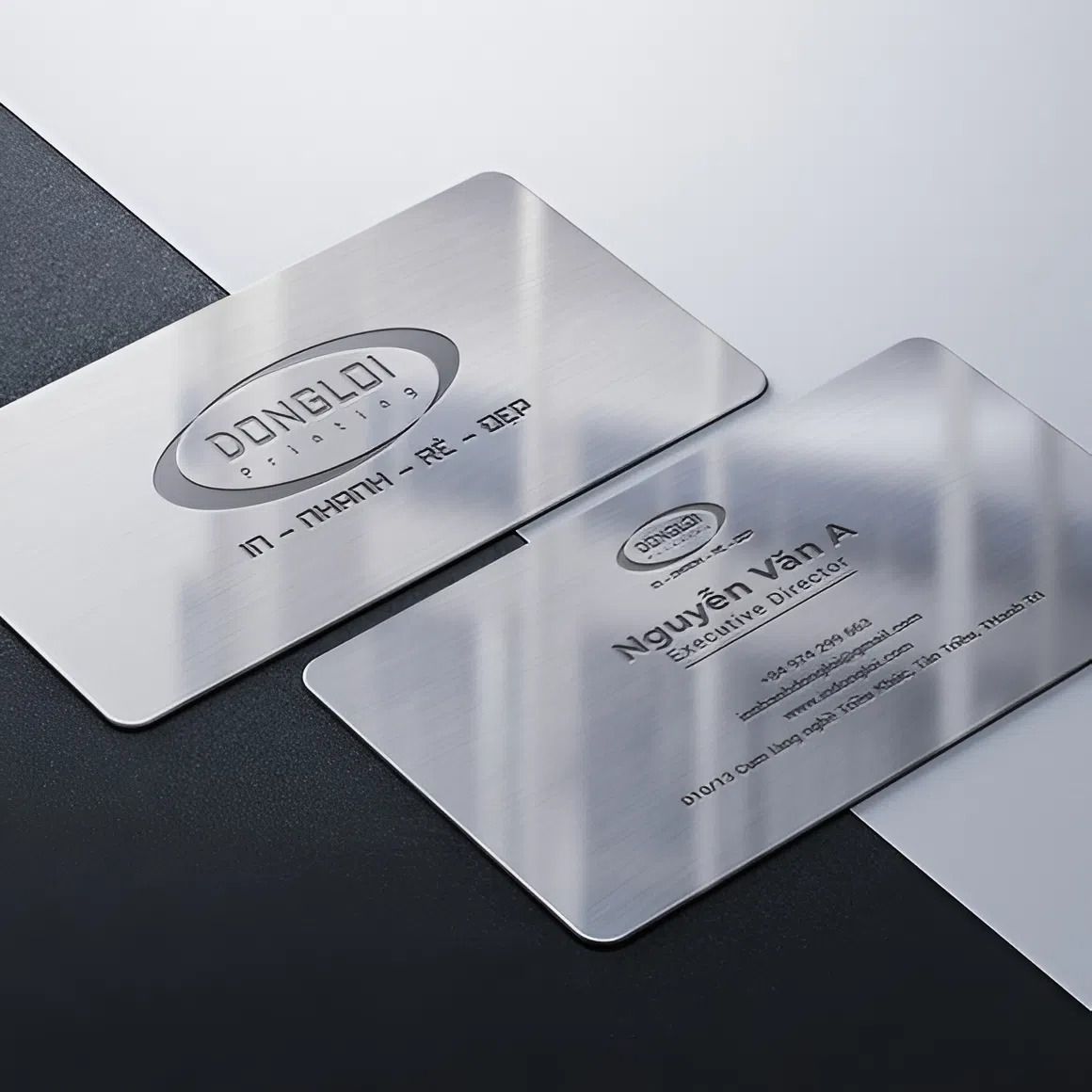
PVC plastic cards have a smooth surface and strong light reflectivity. If the RIP is handled simply, the colors can easily become harsh, the transitions can be broken, and small details quickly lose sharpness. Conversely, when the RIP is properly set up, the image on the card looks softer, the color areas are seamless, and small text retains its clarity.
Many people who print cards in large quantities often worry that increasing speed will reduce quality. In reality, good RIPs strike a balance between processing speed and detail, ensuring stable machine operation without image degradation over time.
PVC card printing and the story of color fastness
PVC is a material that presents many challenges during printing. The plastic surface has less roughness, and ink doesn't adhere as easily as on paper. If not handled correctly, the colors can easily bleed, peel, or slide slightly when exposed to heat.
Modern card printing systems control heat and pressure throughout the color transfer process. When parameters are kept consistent, the color adheres better, the image retains its original shape, and doesn't crack after prolonged use. This is especially important for employee ID cards, membership cards, or access cards that are frequently handled.
One often overlooked factor is the flatness of the printed card. Even a slight bend in the card can cause the image to be misaligned or distorted. Well-designed machines will minimize this, ensuring consistent card quality from start to finish.
Reference: 3D printers
Resolution and image quality on the card
Resolution directly affects the details that the human eye can perceive most easily. Small text, portraits, and logos are three elements that best reflect print quality.
When the resolution is high enough, the color points are evenly distributed, the text edges are smooth and free from jagged edges. Portraits appear to have more depth, and the transitions between light and dark areas are more natural, especially on glossy plastic surfaces. This creates a neat, easy-to-read, and professional look for the card.
Good resolution also helps ensure even color distribution across the entire card surface. When printing multiple cards consecutively, the image maintains consistency, avoiding discrepancies between subsequent cards and previous ones, a common problem for businesses printing large quantities.
Read more:
Servers in 3D for rapid prototyping and engineering manufacturing applications
Overall perspective
The quality of PVC plastic cards doesn't come from a single factor. It all starts with how the data is processed, how the ink adheres to the plastic surface, and how the machine reproduces the image. When users understand this interconnectedness, machine operation becomes more proactive, minimizing trial and error and allowing for better control over output quality.
Beautiful cards aren't achieved through high paper specifications. Beautiful cards come from understanding the user, the material, and how the printing system operates in practice.