Can an Electric Screwdriver Reverse Direction? How to Find the Direction Switch and Use It Correctly
Many first-time buyers of electric screwdrivers wonder whether the tool can only drive screws in or also remove them. Existing users commonly encounter two situations: they cannot find the direction selector, or the tool does not rotate when they press the trigger. This article answers common questions about whether an electric screwdriver can reverse direction and explains how to use the reverse function correctly.
Table of Contents
- Can an electric screwdriver reverse direction?
- Where is the direction selector?
- The tool does not rotate when the trigger is pressed
- What is the reverse function used for?
- How to use the reverse function without damaging the tool
- Choosing a reversible electric screwdriver
- Quick glossary
- Frequently asked questions

Most electric screwdrivers can reverse direction. They rotate clockwise to tighten screws and counterclockwise to loosen them.
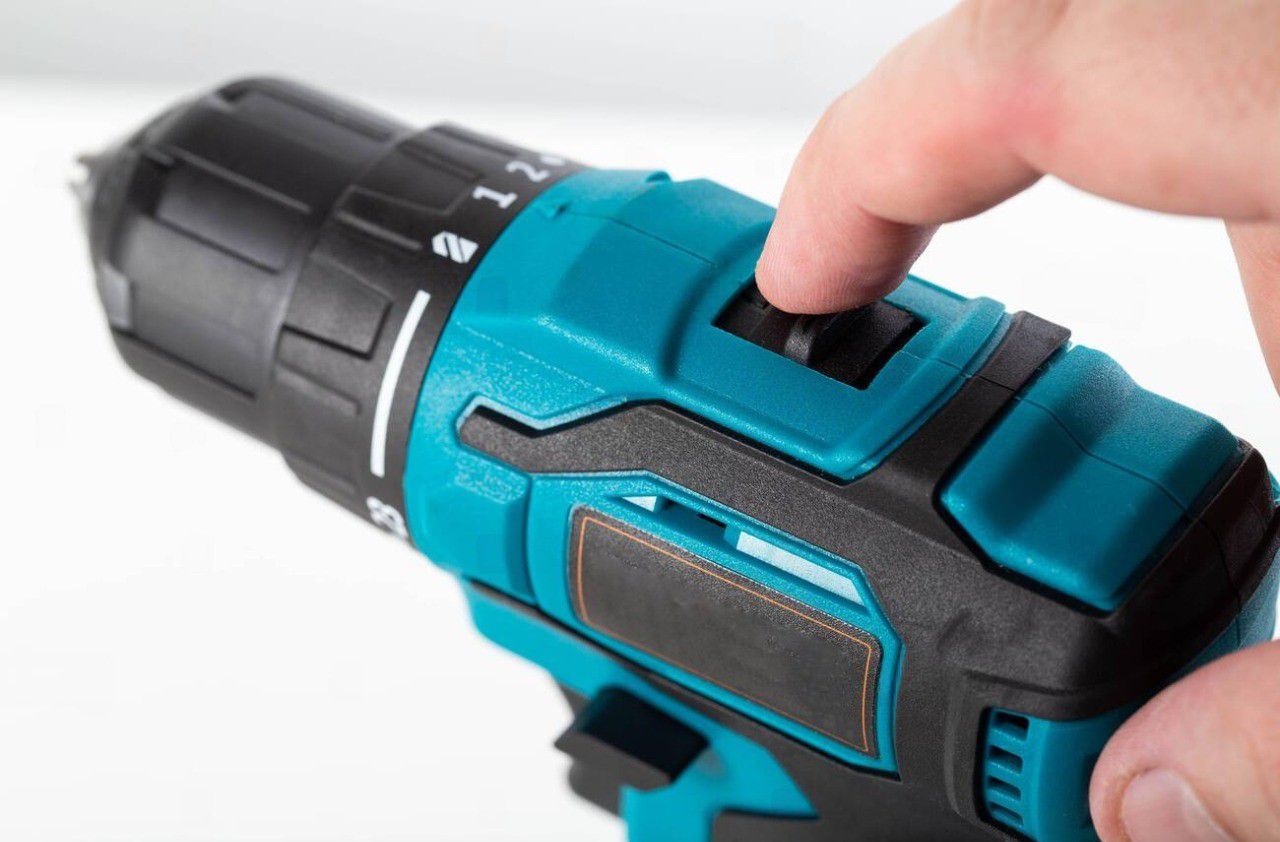
The direction selector is usually a lever above the trigger, buttons on either side of the tool, a rocker switch on pen-style models, or the trigger itself. If the tool does not rotate when you press the trigger, check the direction selector first—the center position locks the trigger.
Can an Electric Screwdriver Reverse Direction?
The answer is yes: most electric screwdrivers have a reverse function. The tool rotates clockwise to tighten screws and counterclockwise to loosen them or back a screw out when necessary.
Check the specifications or the markings on the tool for forward and reverse indicators (FWD, REV, or two arrows pointing in opposite directions) to confirm this feature.
Where Is the Direction Selector Located?
The location of the direction selector varies by tool design. Four common types are described below.
Lever or Slide Switch Above the Trigger
Move the switch to one side for forward rotation and to the other for reverse; the center position locks the trigger. Many user manuals describe this as a three-position selector: forward, reverse, and center lock.
Buttons on Both Sides of the Housing
Press one side for forward rotation and the other for reverse. The center position locks the trigger. Which side corresponds to each direction depends on the model.
Rocker Switch on Pen-Style Screwdrivers
One end of the switch selects tightening; the other selects loosening.
Trigger That Also Selects Direction
Some compact screwdrivers use the trigger itself as the rotation-direction selector.
Illustration of a three-position selector. The actual switch direction varies by model.
A quick way to confirm the direction is to check the molded markings next to the switch or consult the user manual. Most standard threads are right-handed, meaning clockwise rotation tightens the screw.
The Tool Does Not Rotate When You Press the Trigger. Is It Broken?
Before assuming the tool is faulty, check the direction selector. Many user manuals state that the tool will not operate unless the selector is fully moved to either forward or reverse, because the center position locks the trigger to prevent accidental start-up. Follow these steps in order.
- Check the Direction SelectorCheck the selector position. The center position locks the trigger, so the tool will not run.
- Move the Switch Fully to One Side and Try the Trigger AgainMove it fully to forward or reverse; do not leave it halfway.
- Check Whether the Battery Is ChargedIf the tool still does not run after step 2, check whether the battery has charge.
- Check Whether the Battery Is Properly SeatedRemove the battery, reinsert it fully into the battery slot, and try again.
What Is the Reverse Function Used For?
There are two main uses:
Removing Screws and Bolts
For old or stuck screws, choose the correct bit size, hold the tool straight against the screw head, and start with a low torque setting. For rusty screws, apply a penetrating lubricant and allow it to work for a while before loosening.
Backing Out a Stuck Screw
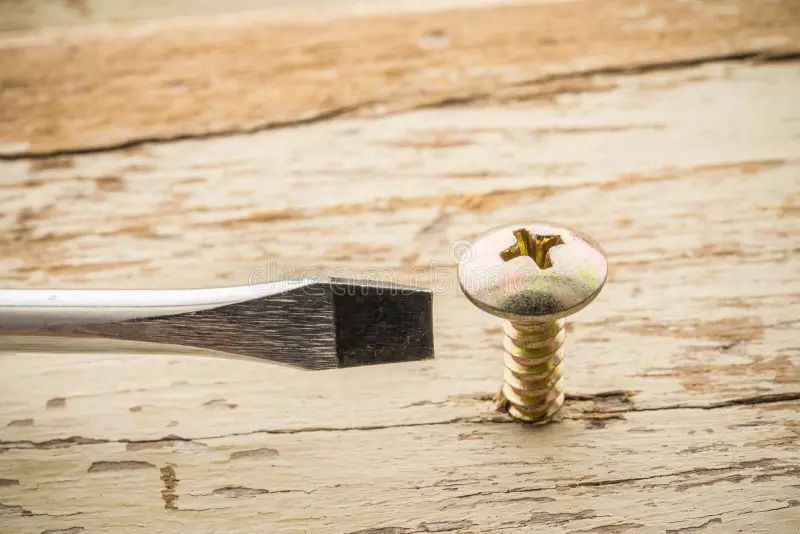
If a screw will not advance, pressing the trigger harder will not solve the problem. Switch to reverse to back the screw out, identify the cause, and then try again.
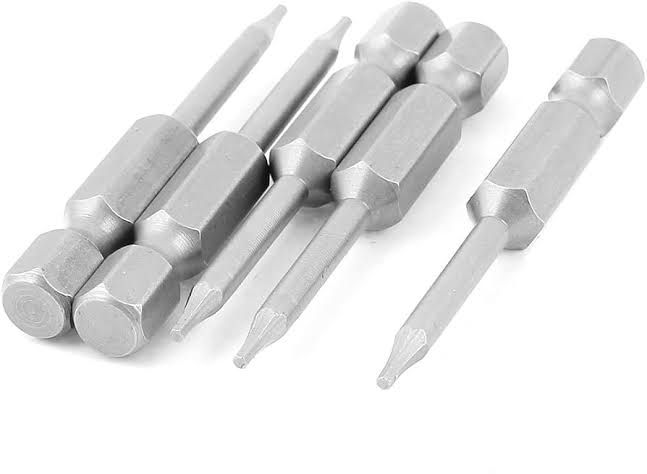
Running the tool at high speed with an ill-fitting bit can damage the screw head. Control the torque if the tool has an adjustable setting. Common causes of stuck screws include:
Forcing the tool to run while the motor is stalled can cause it to overheat. Some models therefore include stall protection, a feature worth considering when choosing a tool.
How to Use the Reverse Function Without Damaging the Tool
Only change direction after the tool has come to a complete stop. Many manufacturers explicitly warn that reversing while the shaft is still rotating can damage the gears.
Some models have a protective circuit that automatically stops the tool if the direction is changed while it is running. In this case, release the trigger and press it again. Other precautions from manufacturers' instructions are summarized below.
- Check the rotation direction before pressing the trigger.
- Set the selector to the center (lock) position when the tool is not in use, when carrying it, and when removing or installing the battery, because a cordless tool is always ready to operate.
- Change direction only after the tool has come to a complete stop.
- Change direction while the shaft is still rotating.
- Keep the trigger pressed for too long when the bit is stuck.
- Run the tool at high speed with a bit that does not fit the screw head properly.
What to Look for When Choosing a Reversible Electric Screwdriver
- Can the direction selector be operated with one hand without changing your grip?
- Are the direction markings clear, and is there a center lock position to prevent accidental start-up?
- Does it have torque adjustment (automatic shut-off)? This is important for small screws and delicate materials such as plastic housings and circuit boards.
- Rotation speed, battery type, and charging time.
- A magnetic bit holder to retain small screws.
- For assembly workshops, also consider ESD protection, the torque range, and tightening-torque accuracy.
Different applications call for different types of tools.
| Application | Recommended Type |
|---|---|
| Phones, laptops, and household appliances | Compact, low-torque model |
| Production workshops and repetitive assembly lines | Model with torque adjustment and ESD protection |
Explore EMIN's categories of electric screwdrivers and torque screwdrivers for applications that require controlled tightening torque.
For PC assembly, read Should You Use an Electric Screwdriver to Install a PC Motherboard? to learn which screws should be tightened by hand and which can be driven with a tool.
Quick Guide to Electric Screwdriver Symbols and Terms
Frequently Asked Questions About Reversible Electric Screwdrivers
Can an Electric Screwdriver Reverse Direction?
Yes. Most electric screwdrivers have a reverse function. They rotate clockwise to tighten screws and counterclockwise to loosen them. Check the specifications or the FWD and REV markings on the tool when purchasing.
Where is the direction selector on an electric screwdriver?
There are four common designs: a lever or slide switch above the trigger, buttons on either side of the housing, a rocker switch on a pen-style screwdriver, or a trigger that also selects direction. Molded markings next to the switch indicate the rotation direction.
Why doesn't my electric screwdriver rotate when I press the trigger?
A common cause is that the direction selector has not been moved fully to forward or reverse; the center position locks the trigger. Move it fully to one side and try again, then check whether the battery is charged and properly seated.
Can I change direction while the tool is running?
No. Change direction only after the tool has come to a complete stop. Reversing while the shaft is still rotating can damage the gears.
Why should I leave the selector in the center position when the tool is not in use?
The center position locks the trigger. Since a cordless tool is always ready to operate, keep it locked when not in use, when carrying it, and when removing or installing the battery to prevent accidental start-up.
What should I do if a screw gets stuck?
Do not press the trigger harder. Switch to reverse to back the screw out, identify the cause, and try again. Common causes include using the wrong bit, a screw that is too long, or hard material without a pilot hole.
Need Help Choosing the Right Electric Screwdriver?
Explore EMIN's electric screwdriver and torque screwdriver categories, or leave your contact details so our engineers can recommend a tool based on the screw type, material, and assembly environment.