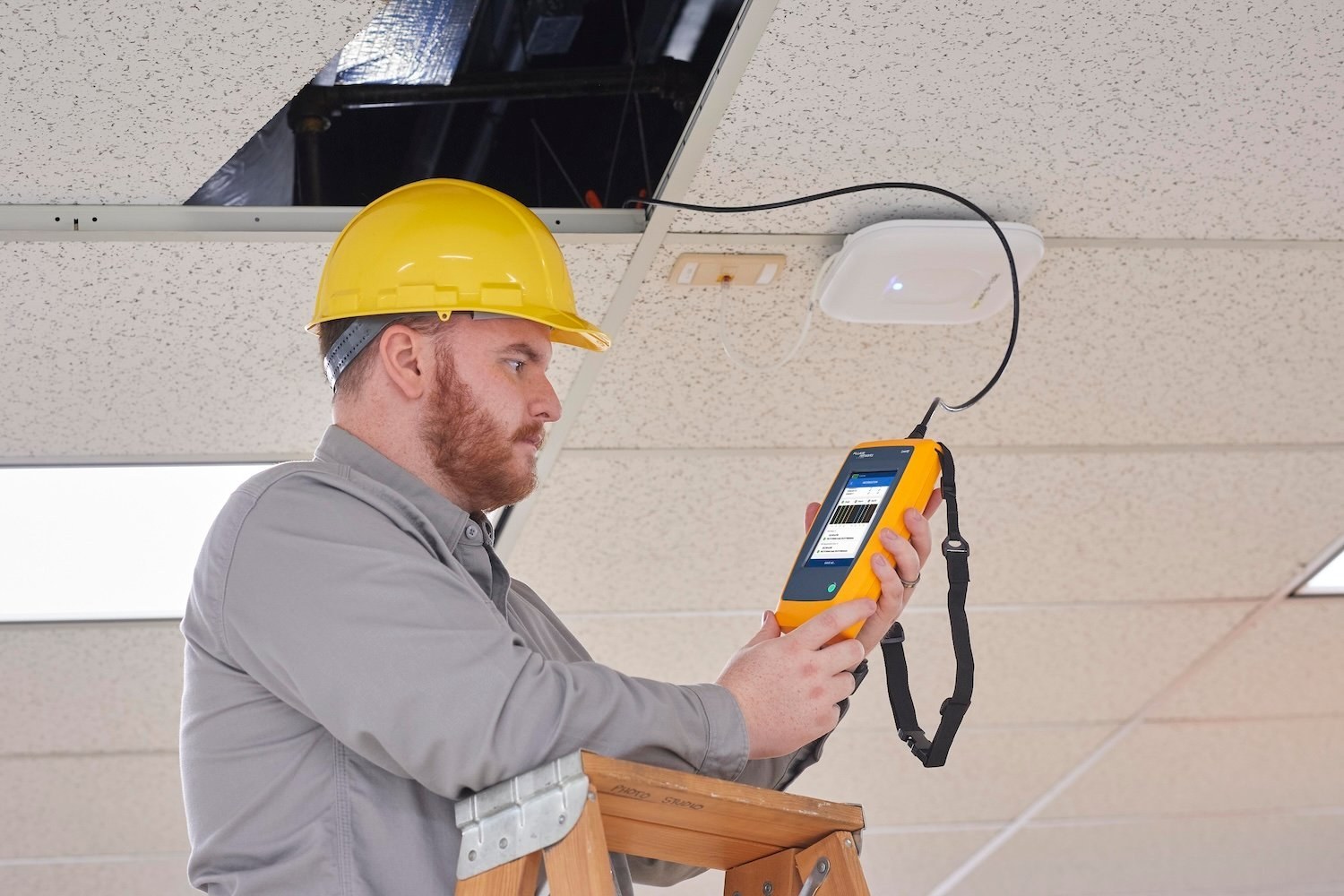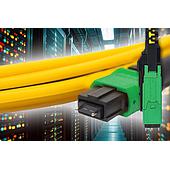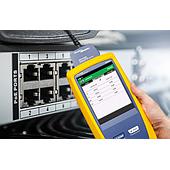
LinkIQ tester is designed to help IT teams investigate wired-network, PoE, cable, and Wi-Fi issues from a single device. It can verify connectivity, show selected live-link information, identify common wire-map faults, and assess wireless conditions across 2.4 GHz, 5 GHz, and 6 GHz bands.
For teams that need repeatable records, the tester can also retain results by project, date, and time, creating a baseline that can support later troubleshooting.
Summary: The LinkIQ tester combines cable, PoE, network, and Wi-Fi checks. It can identify opens, shorts, and miswires; show live-link details; evaluate wireless conditions; and store up to 1,000 test results.
What can the LinkIQ tester check during network troubleshooting?
The LinkIQ tester can check a live wired link, PoE capability, cable connectivity, and—on LinkIQ Duo—Wi-Fi conditions. This lets a technician investigate several possible causes of a connection problem without moving among separate test devices.
On a live link, it can display the switch name, advertised speeds, port number, and assigned VLAN from the far end. It can also perform an IP ping test and determine the capabilities of the Power Sourcing Equipment.
| Area checked | Information or condition described |
|---|---|
| Wired network | Switch name, advertised speeds, port number, assigned VLAN, and IP ping testing |
| PoE | Power Sourcing Equipment capability, negotiated power class, and available wattage |
| Cable link | Connectivity plus opens, shorts, and miswirings |
| Wi-Fi with LinkIQ Duo | Signal strength, security status, throughput, bands, channels, and access-point details |
How does the LinkIQ tester identify cable faults?
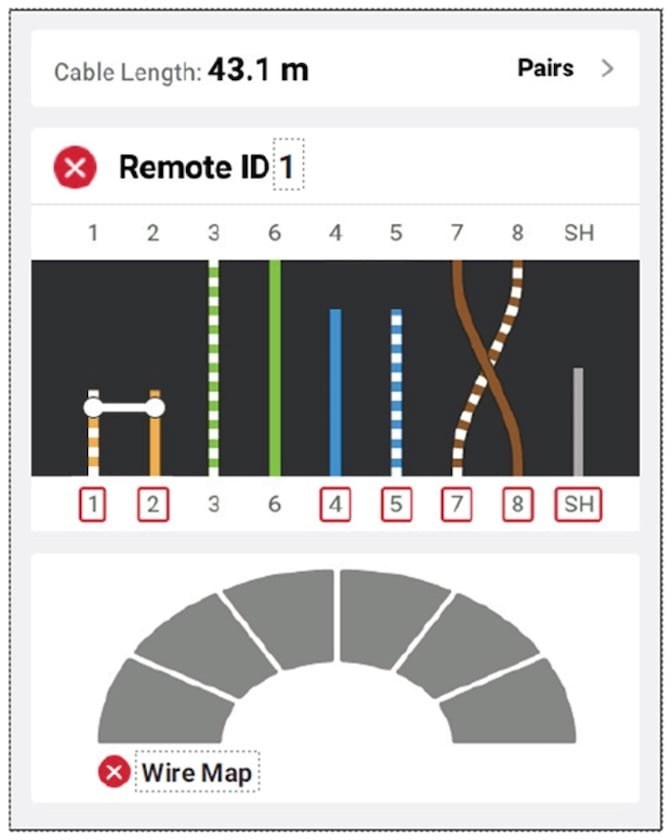
The LinkIQ tester uses a visual wire map to make continuity faults easier to identify. The display can highlight conditions including shorts, opens, reversed pairs, and shield continuity problems.
Its Autotest function automatically tests the switch when one is connected, or tests the cable when a switch is not connected. The tester also works with IntelliTone™ Probe and Pro3000™ Tone and Probe tools for tracing cables and locating faults in a wall or telecommunications room.
Can the LinkIQ tester help assess cabling for higher network speeds?
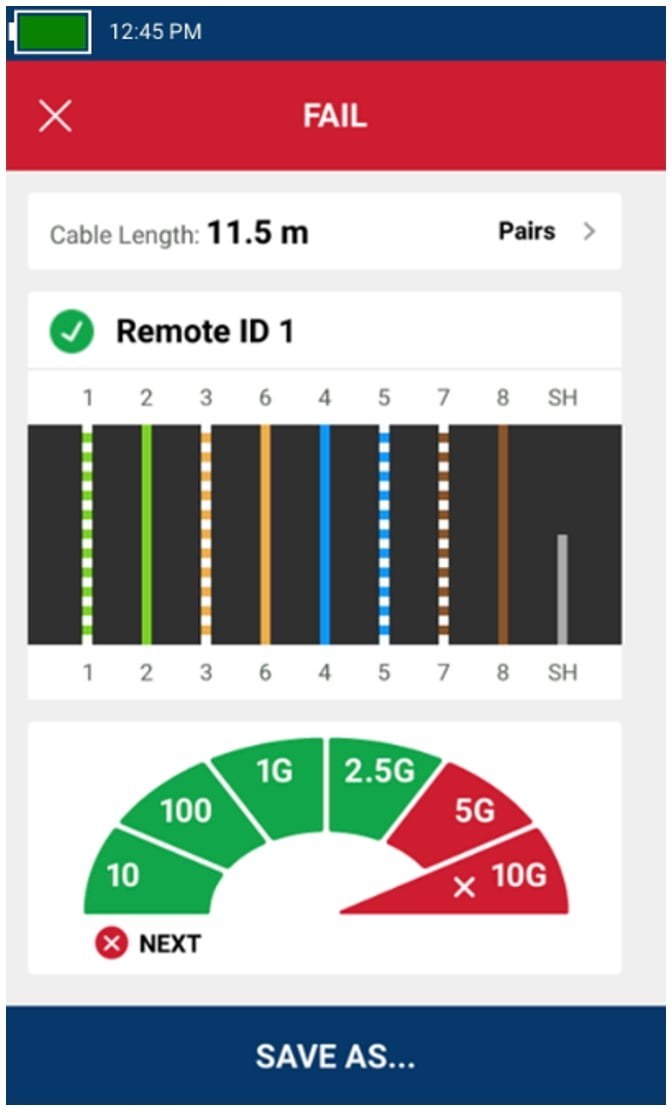
Yes. The Cable analyzer can qualify cabling to IEEE 802.3 standards and show whether a selected test limit passes or fails. When a result fails, it identifies the parameter responsible, helping teams decide whether existing cabling can support a planned requirement.
For example, a Category 6 cabling plant can be checked for multi-gigabit capability when planning a Wi-Fi 5 upgrade. One described result supported up to 2.5 Gb/s but not higher speeds because of near-end crosstalk (NEXT).
What PoE information can the LinkIQ tester provide?
The LinkIQ tester can confirm whether a link is connected to a PoE-enabled switch and report the negotiated power class from 0 to 8. It can also show actual wattage available for a device.
Actual available wattage can differ from a switch-reported value when the cable cannot support the requirement or when the switch is oversubscribed. This distinction helps separate a power-delivery issue from a general connectivity issue.
How does LinkIQ Duo support Wi-Fi diagnostics?
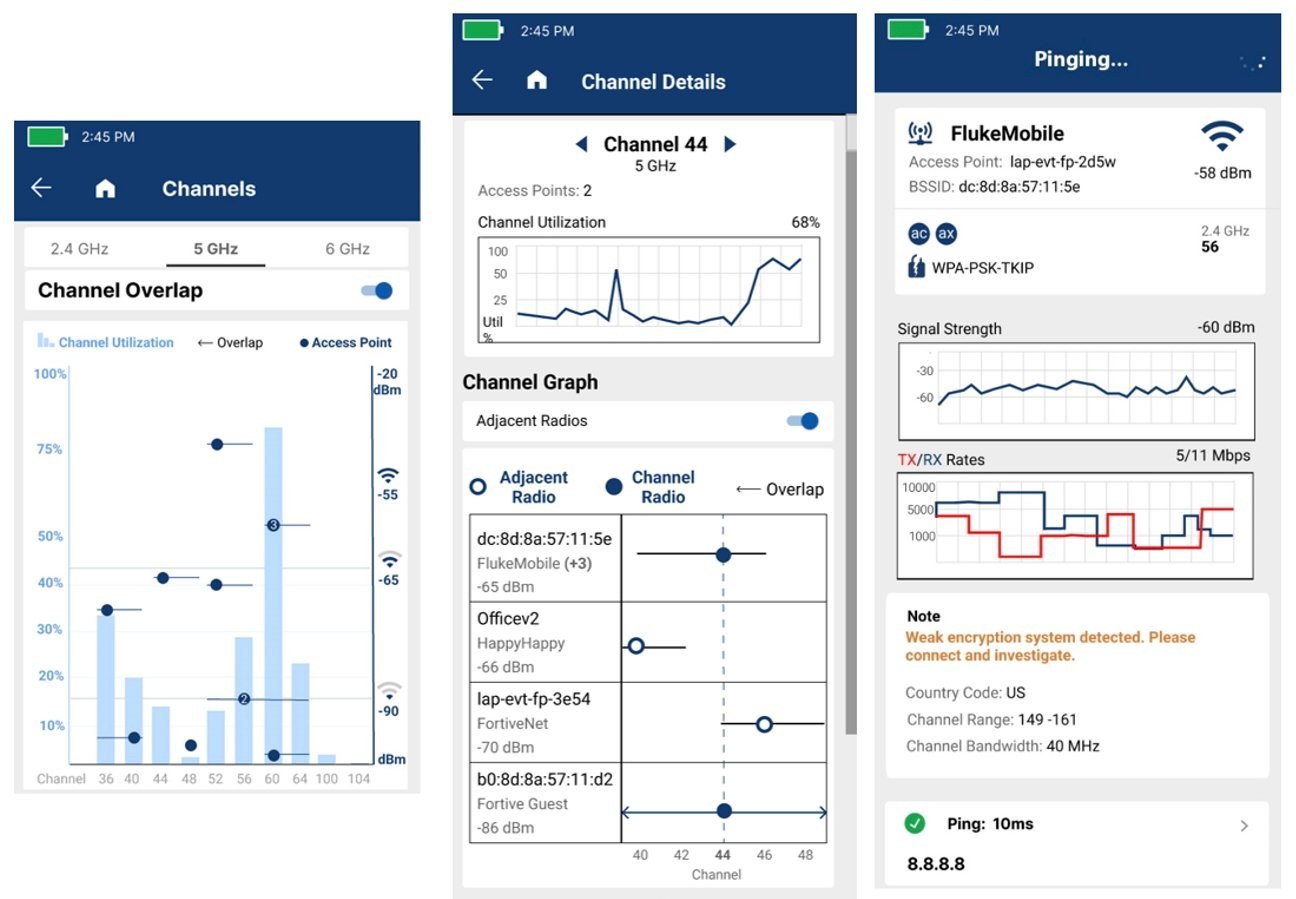
LinkIQ Duo can show available SSIDs and access points together with access-point signal strength, security settings, frequency bands, and channels. It can flag potential concerns such as weak security settings and illegal or non-recommended channels.
Its channel interface combines channel utilization, signal strength, and overlapping channels for access points in the 2.4 GHz, 5 GHz, or 6 GHz bands. Technicians can review a specific channel or access point for utilization, transmit and receive rates, signal strength, and latency.
How can teams document LinkIQ tester results?
The LinkIQ tester can store up to 1,000 test results, with sequential numbering that can increment automatically during repeated testing. Results can be labeled with a project name, test date, and test time to support a consistent network baseline.
Results can be exported to LinkWare™ PC management software through a USB connection to a PC. The software can be used to track results and generate PDF reports for stakeholders.