What type of battery do digital measuring tools typically use?
Most popular caliper brands, such as Mitutoyo, Insize, and mid-range brands, use 1.5V button cell batteries. You can easily find these batteries at electronics stores or supermarkets, with two common model numbers:
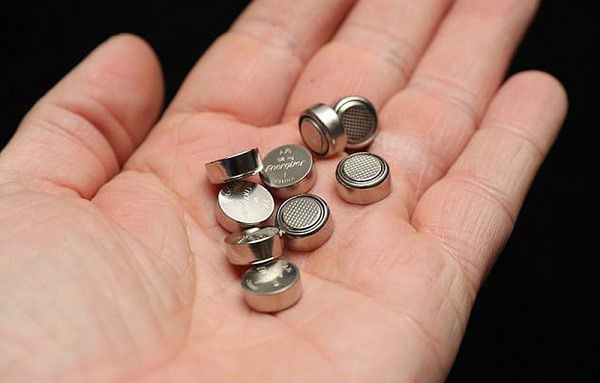
LR44 batteries: These are inexpensive, readily available alkaline batteries, easily found on e-commerce platforms. However, the voltage gradually decreases with battery capacity, which may cause the screen to dim as it nears depletion.
SR44 batteries: Silver oxide batteries. This is a better choice for those who prioritize stability, as they maintain a consistent voltage throughout their lifespan and rarely leak, better protecting the circuit board of the measuring device.
Simplify the steps for replacing the caliper battery
The steps are simple; you just need to prepare a new battery (LR44 or SR44) and a small screwdriver (the kind used for watches).
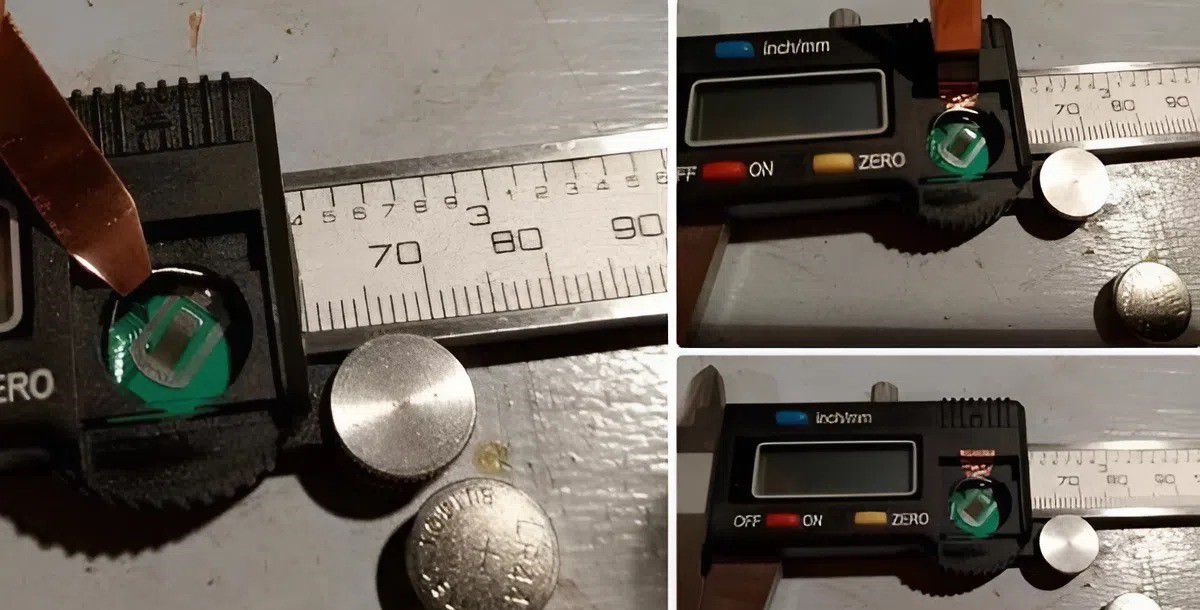
Typically, the battery cover is located on the front of the digital caliper, next to the display screen. Some models have a sliding cover, while others are secured with small screws for added stability.
Gently push the depleted battery out. If the battery tray shows signs of dirt or green rust, use a dry cotton swab to clean it to ensure optimal electrical contact.
Place the battery in the tray, making sure the side with the plus sign (+) is facing upwards (the same direction as the symbol on the lid). After closing the lid, simply turn on the power and press the "Zero" button to check if the caliper is working properly.
Related articles: Comparing 150mm and 200mm calipers, which one is a bestseller you shouldn't miss?
How to use it to make the battery last a long time
To avoid frequent battery changes and ensure the caliper's longevity, keep these few habits in mind:
Actively turn off the caliper. Although many calipers have an automatic shut-off feature after a period of inactivity, manually pressing the "Off" button is still the most effective way to save battery power.
Additionally, dirt or grease buildup on the sliding mechanism causes the sensor to work harder to read the readings, which inadvertently drains the battery faster than usual.
Environmental considerations are also important; avoid storing the measuring tape in overly humid environments. High humidity not only causes mechanical rust but also easily leads to electrical short circuits, causing the battery to drain very quickly.
When placing the measuring tape in a tool bag with other heavy equipment, the buttons can easily be pressed, causing the tape to turn on repeatedly without your knowledge.
Following the instructions correctly and maintaining your device properly will ensure your digital caliper is always ready for your daily measuring tasks. If the caliper still displays an error after replacing the battery, you should contact EMIN via our fanpage or directly at emin.vn so we can check for circuit issues!