HMI S7-1200
When a machine needs clear operator interaction without adding unnecessary complexity, the choice of HMI panel becomes a practical engineering decision. For systems built around the Siemens S7-1200 environment, the HMI S7-1200 category brings together operator panels and related components that support monitoring, control, alarm handling, and day-to-day operation on the shop floor.
This range is especially relevant for panel builders, OEMs, maintenance teams, and automation integrators looking for Siemens-compatible interfaces with different screen sizes, operating styles, and communication options. From compact key-and-touch panels to larger comfort displays, the category covers typical needs in machine control, process visualization, and equipment status display.
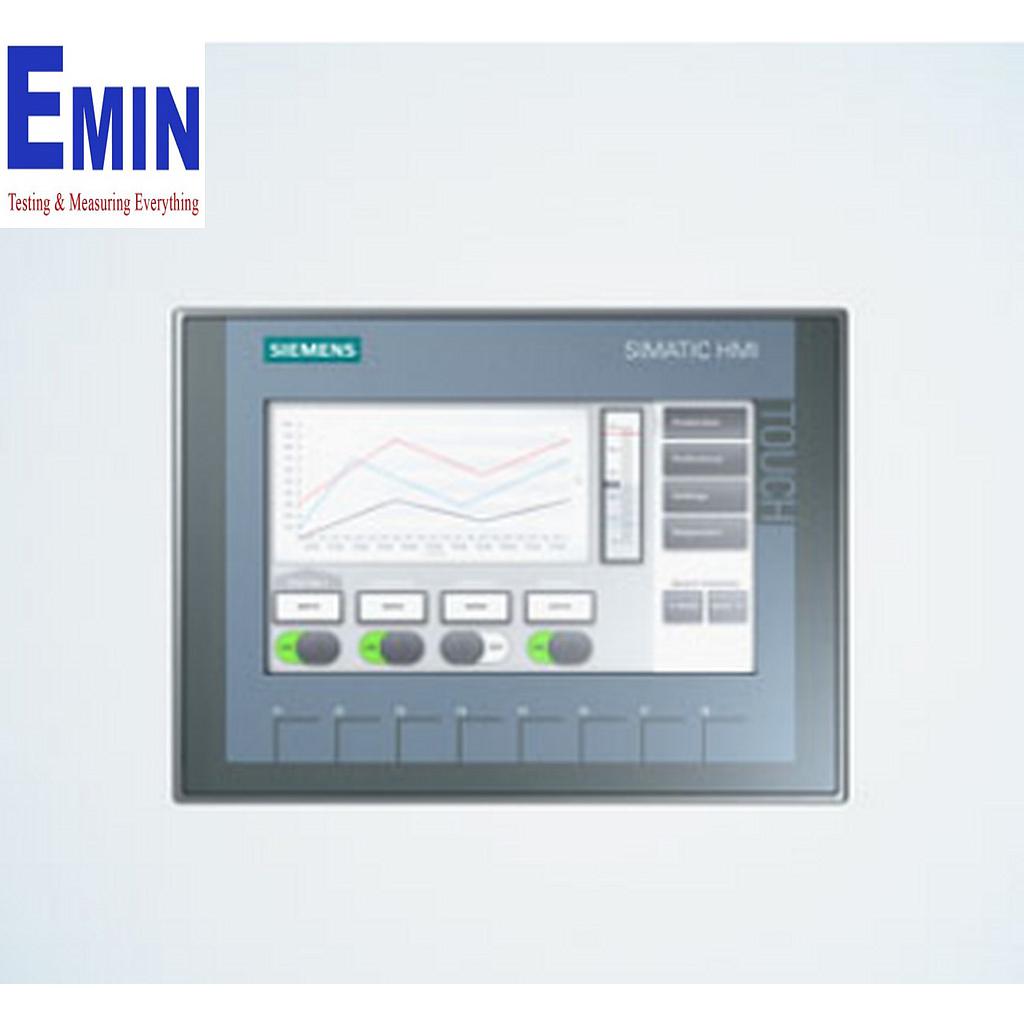
Designed for practical operation in Siemens-based automation systems
In many industrial applications, an HMI is the point where operators interact with the machine in real time. It is used to view process values, start and stop functions, acknowledge alarms, switch recipes, and access maintenance screens. In an S7-1200-based setup, this role becomes even more important because the HMI helps turn PLC logic into a usable operating interface.
This category focuses on Siemens panels commonly selected for these environments, including Basic and Comfort variants. Buyers comparing options here are usually balancing display size, touch or key operation, communication interface, and software compatibility with the broader Siemens automation platform.
Typical panel options in this category
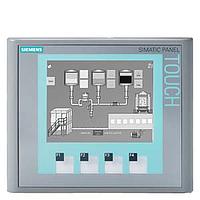
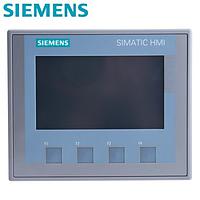
The product mix includes both entry-level and more advanced panels for different machine sizes and user requirements. Compact options such as Monitor HMI KTP400 COMFORT - 6AV2124-2DC01-0AX0 or SIEMENS 6AV2123-2GB03-0AX0 HMI KTP700 Display are suitable when space is limited but operators still need direct local control.
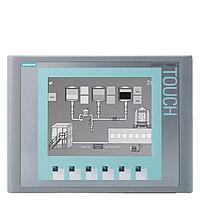
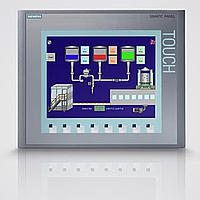
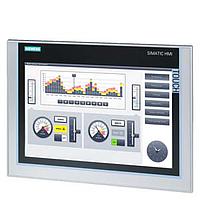
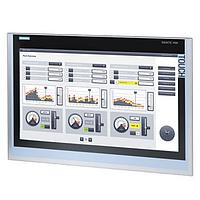
For applications requiring a larger display area, models such as SIMATIC HMI TP1200 6AV2124-0MC01-0AX0 and SIEMENS 6AV2124-0QC02-0AX1 HMI TP1500 touch screen provide a wider visualization surface for process screens, trends, alarms, and diagnostics. There are also Basic Panel options such as SIEMENS 6AV6647-0AF11-3AX0 SIMATIC HMI KTP1000 BASIC COLOR PN and SIEMENS 6AV6647-0AD11-3AX0 SIMATIC HMI KTP600 BASIC COLOR PN for standard operator tasks.
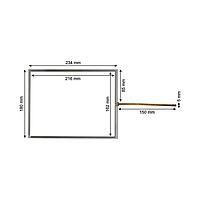
Some items serve a supporting role rather than acting as the complete panel itself. For example, the SIEMENS KTP 1000 Touch Pad is an accessory for the KTP1000 HMI, which is useful in maintenance or replacement scenarios within an existing installation.
How to choose the right HMI for an S7-1200 application
Selecting the right panel usually starts with the machine interface itself. A small standalone station may only need a compact display for basic commands and status feedback, while a packaging line, pumping skid, or multi-step process station may benefit from a larger screen where operators can move between multiple pages quickly.
It also helps to consider the preferred operation method. Some panels combine keys and touch input, which can be useful in industrial environments where gloves, repeated function access, or quick navigation matter. Others are focused on touch operation and are better suited to applications where screen-driven visualization is the priority.
Communication and integration are equally important. Several products in this category reference PROFINET, and some also support MPI/PROFIBUS DP on certain models. For users working within wider Siemens architectures, it may also be helpful to review related options such as HMI for S7-200/300/400 systems when comparing project requirements across installed equipment generations.
Basic Panels and Comfort Panels in real-world use
A practical distinction in this category is the difference between Basic Panels and Comfort Panels. Basic models are often selected for straightforward machine interfaces where the main goal is stable operation, simple parameter input, and essential visualization. Examples in this range include KTP600, KTP700, and KTP1000 variants that fit many standard machine-building projects.
Comfort Panels are more suitable when the application requires a richer user interface, larger displays, expanded visualization, or more detailed diagnostics. Products such as the TP1200, TP1500, and KTP400 COMFORT are better aligned with systems that need more screen flexibility, more user interaction, or broader plant-level visibility.
This distinction matters because over-specifying the panel can add cost and engineering time, while under-specifying it can limit usability in daily operation. Matching the HMI to the operator workflow is often more important than simply choosing the biggest screen available.
Integration considerations around wiring and communication
In industrial automation, HMI performance is not only about the screen. Stable communication, correct wiring, and reliable connection hardware are part of the overall result. Depending on the installation, engineers may also need suitable communication accessories and cabling to complete the panel-to-controller connection correctly.
For that reason, related categories such as Siemens communication cables for HMI and PLC systems can be relevant during project planning or spare part sourcing. In networked installations that include additional fieldbus components, bus connector options may also be part of the wider automation setup.
Common applications for Siemens HMI panels
Panels in this category are commonly used in standalone machines, conveyor systems, water treatment skids, utility panels, batching equipment, HVAC control panels, and general factory automation. In each case, the HMI acts as the human-facing layer of the control system, turning PLC data into a usable interface for production and maintenance staff.
Typical screens may include operating modes, setpoints, run status, fault history, manual control pages, and service menus. Larger models are often preferred when a process has more devices, more data points, or a need for clearer alarm visibility, while compact models remain effective for focused local control.
Why this category is useful for sourcing and replacement
Many buyers visit this category not only for new projects but also for retrofit work, spare unit planning, and replacement of installed Siemens panels. Having access to multiple screen sizes and product families in one place makes it easier to compare alternatives based on panel space, operator needs, and existing Siemens architecture.
Because the selection includes both current-use operator panels and related parts, this category supports different stages of the equipment lifecycle. Whether the goal is building a new machine interface, standardizing panel choices across production lines, or replacing a damaged front-end component, the available range helps narrow down suitable Siemens HMI options more efficiently.
Final considerations before selecting a model
Before choosing a panel, it is worth checking the intended screen size, input style, communication method, and compatibility with the engineering environment already used on the project. For many S7-1200 applications, the right HMI is the one that gives operators fast access to key machine functions without making the interface harder to use than necessary.
This HMI S7-1200 selection is best approached as part of a complete automation workflow rather than as a standalone screen purchase. By comparing panel format, interface level, and integration needs, buyers can identify a Siemens solution that fits both the control architecture and the way the machine is actually operated in the field.
Get exclusive volume discounts, bulk pricing updates, and new product alerts delivered directly to your inbox.
By subscribing, you agree to our Terms of Service and Privacy Policy.
Direct access to our certified experts