To use a Jasic plasma cutter safely, connect the cutting components in the correct order, connect and adjust the air supply, then select the cutting current and the appropriate 2T/4T mode before starting work. The procedure described here refers specifically to the Jasic CUT100 L201 configuration in the available source material.
Jasic plasma cutting uses an arc together with compressed-air pressure to create a plasma stream that removes molten material from the cut. It is intended for conductive metals, including steel, stainless steel, and aluminum.
Summary: Connect the work clamp, torch, pilot lead, and control plug before cutting. Set up the air supply and confirm the air indicator is off. Choose cutting current and 2T/4T mode for the material. Use protective equipment and keep the work area clear of flammables.
What is a Jasic plasma cutter and how does it cut metal?
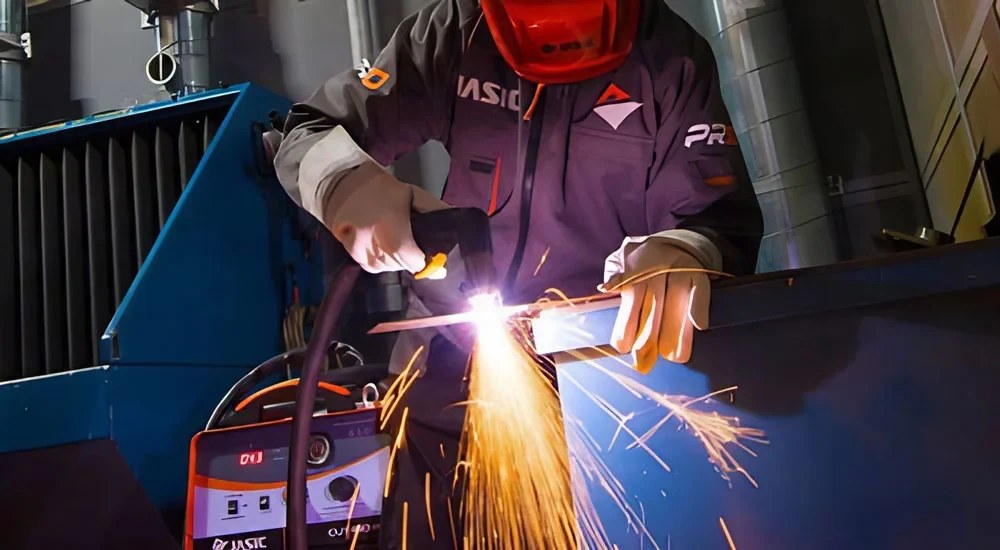
A Jasic plasma cutter is a machine that cuts conductive metal with a plasma arc. Compressed-air pressure works with the arc to form a plasma stream, which blows away molten material and creates the cut line.
The source material identifies steel, stainless steel, aluminum, and other conductive materials as applicable workpieces. Its listed applications include truck-body and container work, shipbuilding, equipment manufacturing, steel-structure fabrication, medical equipment, and chemical-related equipment.
Which controls and connections should be checked on the Jasic CUT100 L201?
Before operation, identify the controls and connection points so that the torch, work clamp, air supply, and settings can be checked systematically. The CUT100 L201 information lists a current display, a 2T/4T mode switch, overload and overheat indicators, a current-adjustment knob, and torch and work-clamp sockets on the front.
| Area | Listed components or functions |
|---|---|
| Front panel | Current display, 2T/4T switch, overload/overheat indicators, current-adjustment knob, torch socket, work-clamp socket |
| Rear area | Cooling fan, power cable, air-filter gauge |
| Machine functions stated for CUT100 L201 | Automatic shutdown for overcurrent or overheating; automatic voltage compensation when input voltage changes |
These features do not replace an operator check. Confirm that cables and air connections are secure before use, and observe any status indicators during operation.
How do you connect a Jasic CUT100 L201 before cutting?
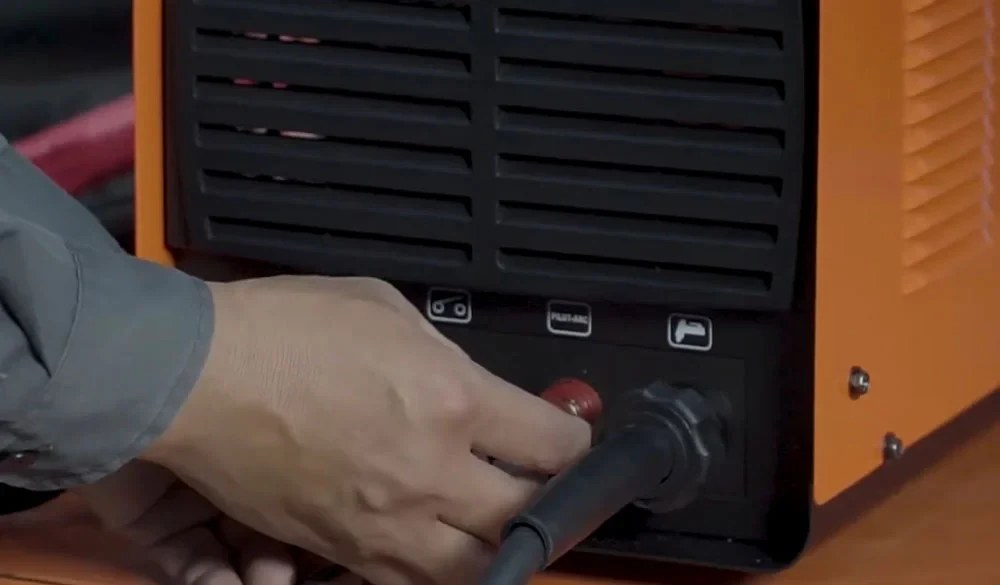
Connect the work clamp and cutting torch first, followed by the red pilot lead and then the control plug. This is the connection sequence provided for the Jasic CUT100 L201.
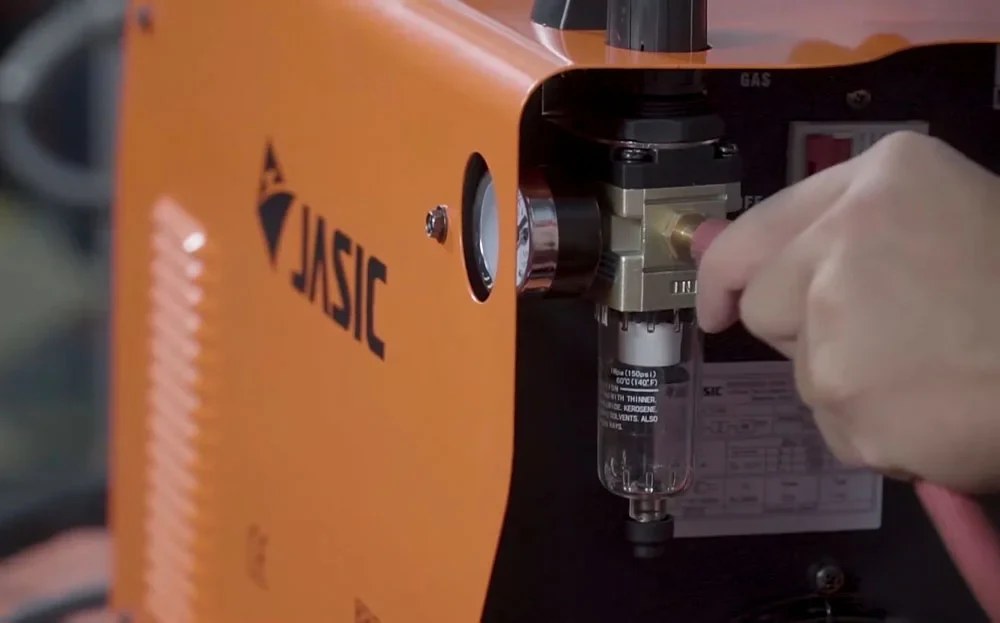
After the electrical and torch-related connections are in place, connect the air supply and adjust its pressure. The source indicates that the air indicator should be off after this step.
What settings should be selected before starting a plasma cut?
Set the cutting current and select either 2T or 4T mode according to the material before beginning the cut. The available material does not specify current values or material-by-material settings, so those values should not be assumed.
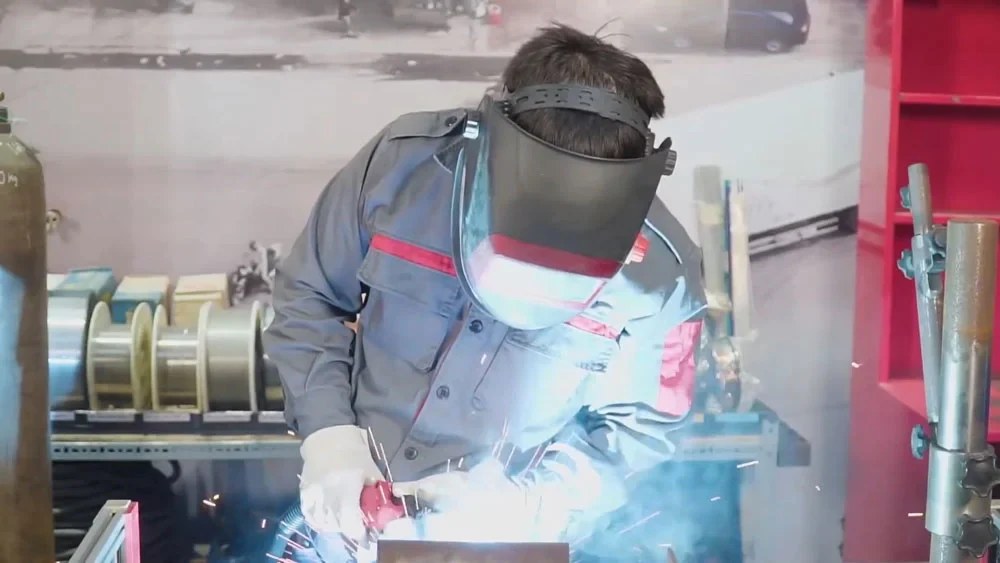
Once the cable connections, air connection, and settings are complete, cutting can begin. Keep hands, face protection, and other body parts at a safe distance from the cutting area while the machine is operating.
What personal protective equipment is needed for plasma cutting?
Use eye, face, hand, and body protection because plasma cutting involves arc radiation, bright light, sparks, heat, and dust. The source specifically calls for arc-rated protective eyewear, a protective face mask, insulating gloves, and protective clothing.
- Wear protective eyewear to help shield the eyes from ultraviolet radiation and intense light.
- Use a face mask to protect the face and eyes from radiation, sparks, and dust.
- Wear insulating gloves and protective clothing to reduce exposure to sparks and heat.
How should the work area and machine be handled after cutting?
Keep the work area ventilated and free of flammable materials, gasoline, oil, and other ignition or explosion hazards. Do not touch the plasma arc directly while the machine is operating, as it can cause burns.
Note: After use, turn off the plasma cutter and check the electrical and air connections before storing the equipment.
Maintain a safe separation between your hands, face protection, and the cutting zone throughout operation. This final check helps ensure the plasma cutter is shut down and its connections are reviewed before storage.