

What kind of bill printer should small businesses use? Choosing a buying experience for beginners
If you are just starting out on the path of small business such as opening a clothing store, a coffee shop or a small bakery, then you definitely cannot miss a bill printer that is compact, does not take up too much space and is also durable, right? So how to choose the right one, save capital and operate smoothly, please refer to the article below!
Contents
Is it really necessary to use a receipt printer when just opening a small shop?
When opening a small shop—especially if it’s your first time in business—you should always carefully consider any investment in equipment. One of the first questions many newcomers often ask is whether it’s truly necessary to purchase a receipt printer, given that handwritten receipts or sending them via phone can still be used.
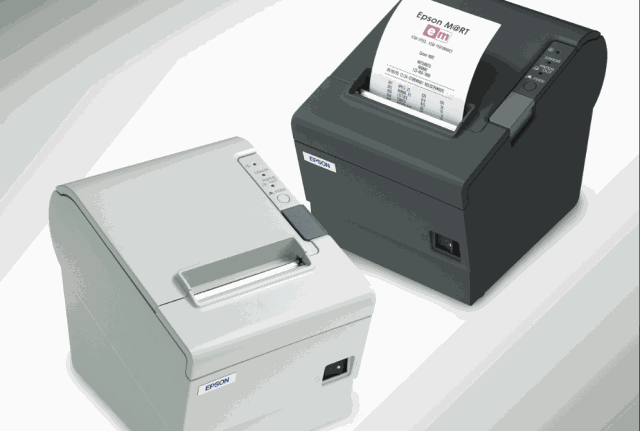
So, is a receipt printer really important?
In reality, for a small shop, using a receipt printer may not be essential at the beginning. However, if you invest in one from the start, it will definitely be a long-term investment that saves working time and frees your hands for other tasks instead of writing receipts by hand or using a phone or computer notes.
A receipt printer helps avoid the hassle of manual receipts, which can lead to errors or take up too much time. Moreover, printing receipts allows you to manage records and track your cash flow more easily, making accounting tasks lighter and more accurate.
Do receipt printers require POS software?
The answer is: Not mandatory, but highly recommended.
In fact, there are receipt printer models that can operate independently. You only need to connect them to a phone or computer to print available content.
POS software will automatically update orders, calculate totals, and print receipts right after payment. You won’t need to manually enter each item or worry about miscalculations or pricing errors. Especially for setups with multiple products, combos, or promotions, managing through software is much easier.
Are receipt printers hard to install and use?
Looking at a printer with various ports and cables might make it seem complicated, but the opposite is true.
Today, most receipt printer models are designed to be user-friendly. Just plug in the power, connect to your computer or phone via USB, Bluetooth, or Wi-Fi, and you’re ready to print. Some modern models don’t even require complex software—just use the built-in app or connect to your POS software for automatic printing.
For those unfamiliar with tech, initial setup might feel confusing, but with a bit of guidance, it becomes very manageable.
If you're worried about whether receipt printers are difficult to use, the answer is no. As long as you choose the right product and get clear instructions, usage will be easy and quickly integrated into your shop’s daily operations.
Introduction to the HPRT PPT2A Receipt Printer
The HPRT PPT2A is a direct thermal printer that uses 58mm paper, ideal for basic receipt printing needs. With a printing speed of up to 100mm/s and 203dpi resolution, it ensures clear and fast print quality, saving time at checkout.
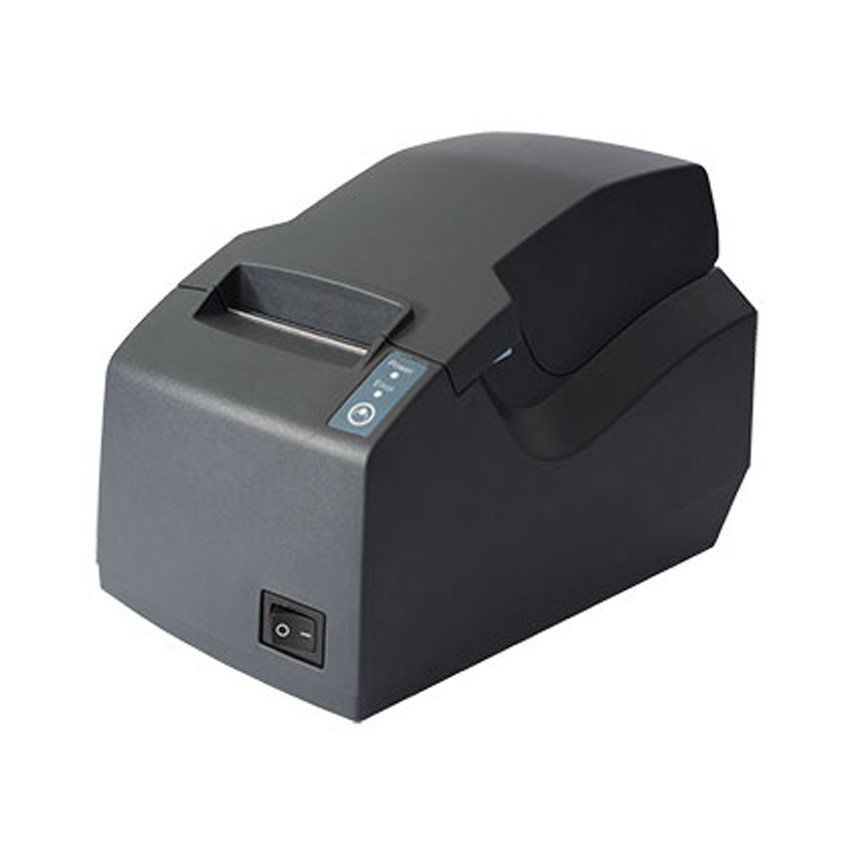
Its compact design and simple operation make the HPRT PPT2A easy to fit into limited counter spaces. It supports USB and LAN connections and is compatible with multiple operating systems including Windows, Linux, and MacOS, making it easy to integrate with popular POS software.
The HPRT PPT2A receipt printer is widely used in small business models such as:
* Coffee and milk tea shops: Fast receipt printing and efficient order management.
* Retail stores: Record transactions and issue professional receipts to customers.
* Small eateries and restaurants: Supports quick payments and enhances customer experience.
* Convenience stores: Manages daily sales and prints receipts for every transaction.
Conclusion:
If you need more information or product support, contact trusted suppliers for detailed consultation.